
 I’ve just started a new Google Group for folks interested in creating virtual worlds on the web using Jibe and Unity3d. You can join it here.
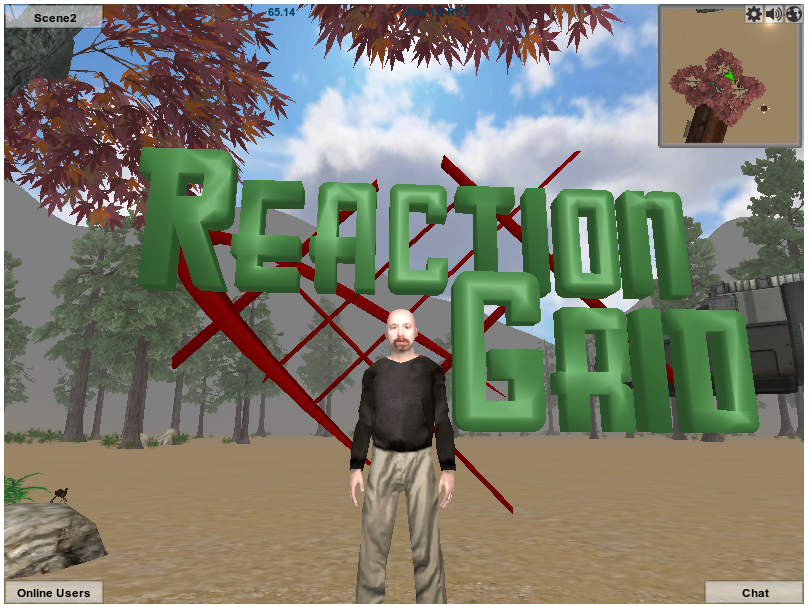
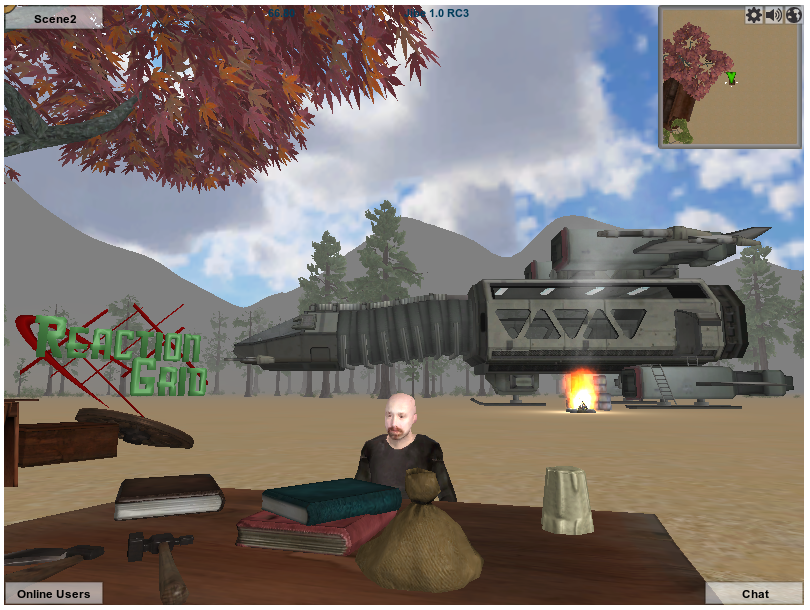
Unity3d is a very popular professional game development platform for creating 3d environments. Jibe is a platform that we’ve developed at ReactionGrid to allow anyone to deploy multiuser virtual worlds on the web that are built with Unity3d.
Unity3d and Jibe have some really cool affordances for developing immersive and interactive projects, particularly for educators. The worlds are accessible from a web browser, voice and text chat are both available, all content is based on industry-standard mesh models, and you can write scripts in C# and JavaScript. There are also ways to integrate a Jibe world with web-based CMS /LMS systems, and future versions of Jibe will also support deployment on things like iPads and other mobile platforms.
I’m not a professional 3d content creator, and I can barely script my way out of a paper bag. But I’ve managed to create my own Jibe world online. Learning Jibe and Unity3d is not insanely hard. Anyone can do it, really.
Which is precisely why I’ve started the Jibe and Unity3d Google Group. I’ll be posting my own experiences to the group and sharing resources that I’ve found very useful. Bring your questions and creative ideas. Let’s build a supportive and helpful community together!
And if you’d like to listen to a presentation I recently gave at VWBPE on the educational affordances of web-based virtual worlds, Jibe and Unity3d, please take a look at this video:

 Be Cunning and Full of Tricks