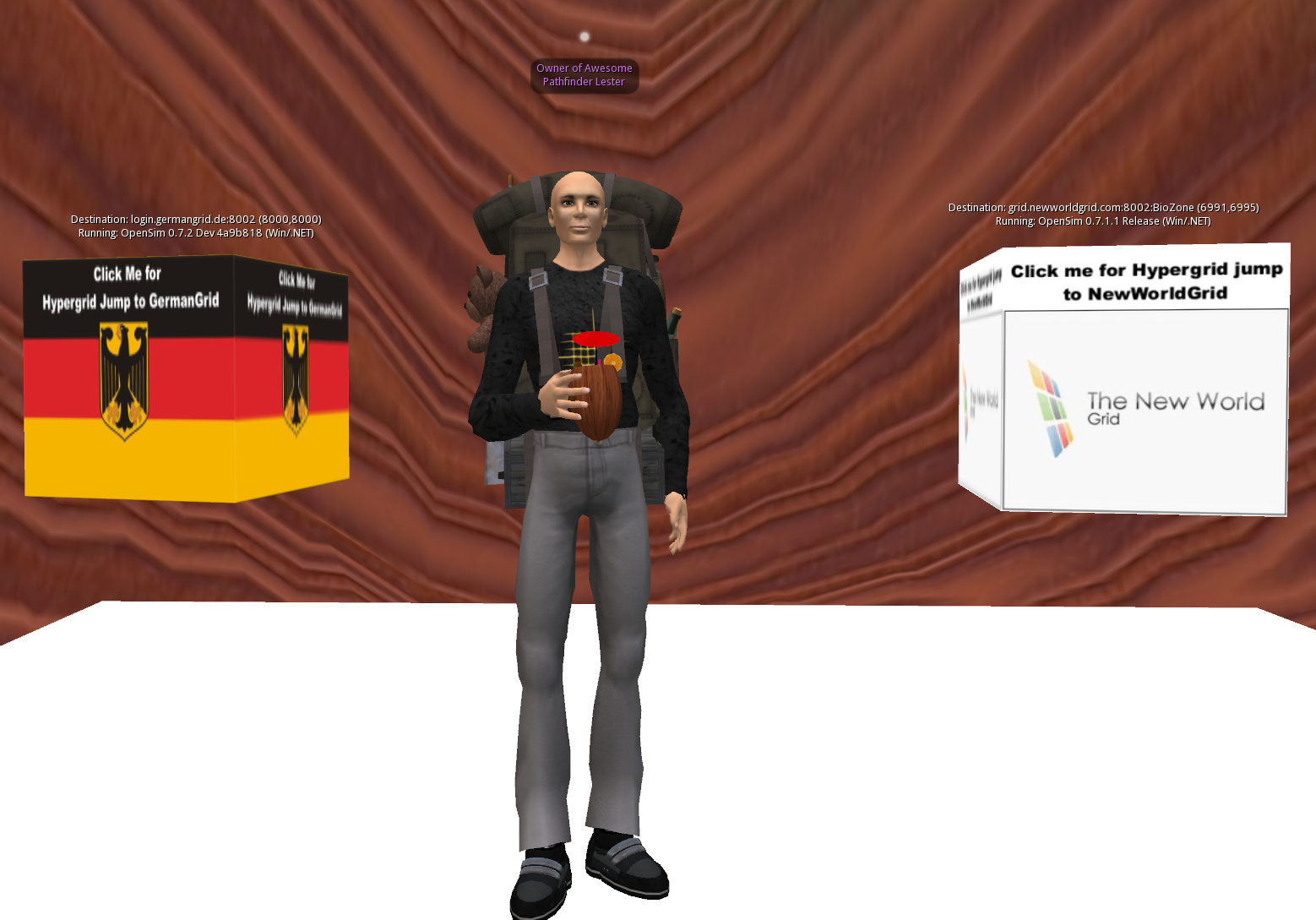

Report: The Hypergrid Adventurers Club tests ReactionGrid’s Opensim 0.7.2 Alpha Grid

Today, the Hypergrid Adventurers Club tested ReactionGrid’s Opensim 0.7.2 Alpha Grid.  It was quite an adventure, spanning 4 different Opensim grids running 4 different versions of Opensim.

We gathered on the region HGBridge on ReactionGrid’s 0.7.2 Alpha Test Grid, and from there we began a series of Hypergrid jumps.

About 10 of us joined in on the Adventure.  Here’s where we went if you’d like to follow in our footsteps:

1) START: ReactionGrid Alpha Test Grid
HG Coordinates: secondlife://alpha.reactiongrid.net:8002:HGBridge/139/156/22
Grid Location: (4000,4000)
Grid Software: OpenSim 0.7.2 ReactionGrid.

2) NewWorldGrid
HG Coordinates: secondlife://grid.newworldgrid.com:8002:BioZone/
Grid Location: (6991,6995)
Grid Software: OpenSim 0.7.1.1 Release

3) GermanGrid
HG Coordinates: secondlife://login.germangrid.de:8002/
Grid Location: (8000,8000)
Grid Software: OpenSim 0.7.2 Dev

4) END: FleepGrid
HG Coordinates: secondlife://fleepgrid.com:8002/
Grid Location: (9013,9013)
Grid Software: OpenSim 0.7.2 RC2

I chose these locations because they represented 4 different versions of Opensim which, theoretically, are all Hypergrid-compatible with each other.  It’s always good to test theory by putting it into practice.  Some folks initially had difficulty logging in to our Alpha Grid.  This caused some chat and movement lag/freezing.  But despite this initial glitch, the region and grid recovered all on its own.  Then we were able to start jumping.
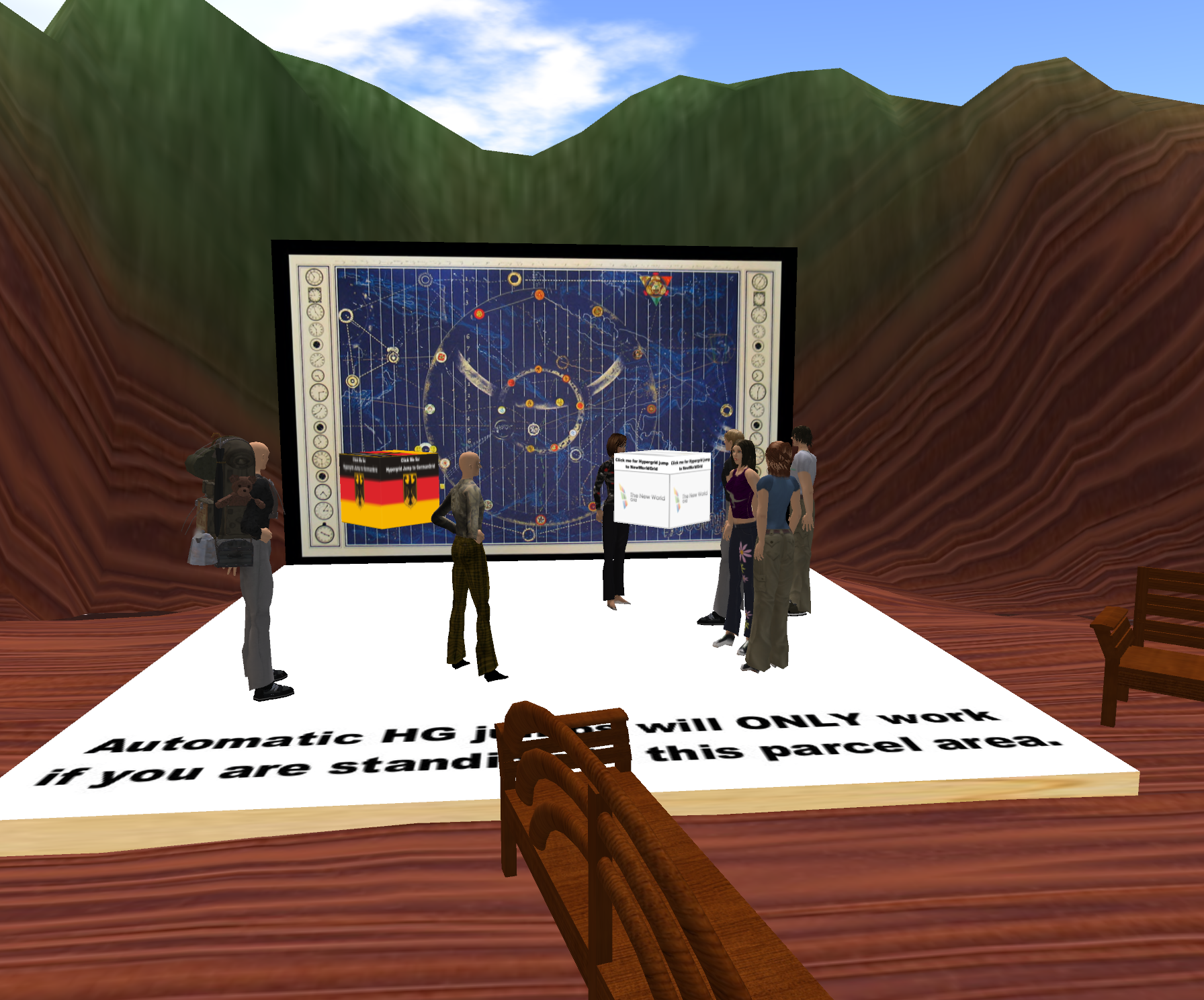
Starting out on the region HGBridge in ReactionGrid's Alpha Grid

A few of us made it to GermanGrid when it suddenly stopped accepting connections.  This might have been caused by a region crash due to the load of our visit.  Our apologies to the GermanGrid admins if we caused any problems.

Those of us who couldn’t make it to GermanGrid simply hopped from NewWorldGrid to FleepGrid, since both grids are within the 4096 region limit for Hypergrid jumps.
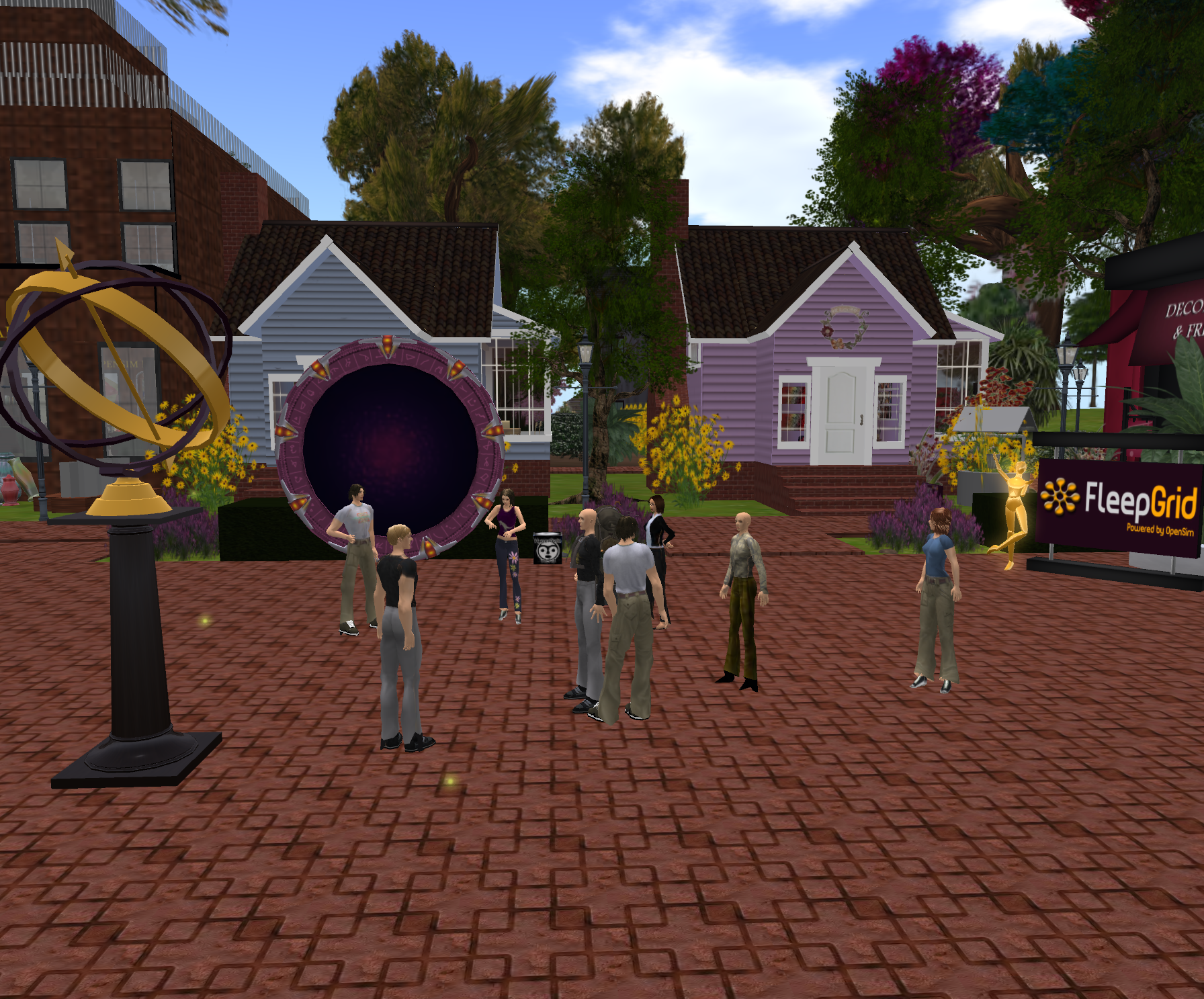
We arrive in FleepGrid

Fleep Tuque, the owner of FleepGrid, joined us on our Adventure.  She welcomed us all when we all finally arrived on her grid, and grid performance was excellent.

Chris Hart, ReactionGrid’s CTO, attended the test.  Here’s what she had to say about the event.

“Overall the event was pretty successful. While we had some issues with teleports between regions, the server stayed up and running for the whole time. We had a wide variety of clients logging in to the grid at the same time which seemed to cause a few lockups, but after a little perseverence most made it inworld and were able to HyperGrid teleport out successfully. Those that had difficulty logging in, and even those that didn’t, we welcome feedback on your experiences, please let us know which clients you were using to connect and whether you were logging in locally or were visiting from another grid.”

As always, the best way to give us feedback is to submit a ticket on our Metaverseheroes support site.  If you were part of our adventure today, please let us know all the details about any glitches you experienced.  We want to make sure ReactionGrid’s version of Opensim 0.7.2 is as stable as possible before we officially release it.

This upgrade to Opensim 0.7.2 will be a big step with many new features and additional stability.  And once it is finalized, ReactionGrid will be part of a much bigger universe of Opensim grids interconnected by the Hypergrid.

Thank you all again for helping test things out today.  I hope you had a fun time, too.

Take care,
-John “Pathfinder” Lester

Special Hypergrid Adventurers Club Meeting – Jumping from ReactionGrid’s 0.7.2 Alpha Test Grid

I’m very excited to announce that we are in the final testing stages of ReactionGrid’s 0.7.2 Opensim update.

And to celebrate, we’ll be having a SPECIAL Hypergrid Adventurers Club meeting tomorrow!

WHEN: Tomorrow, Wednesday, Sept 28 @ 10am Eastern Time (EDT).  That’s 14:00 GMT/UTC.

WHERE: The region HGBridge on ReactionGrid’s 0.7.2 Alpha Test Grid.

HOW: You can create an account on the Test Grid and log in by following the instructions on our blog.

After we all gather on the region HGBridge, we’ll try jumping to GermanGrid, NewWorldGrid and perhaps a few other places compatible with 0.7.2.

Hope to see you there!

Take care,
-John “Pathfinder” Lester

How to spread the word about your Jibe world with Social Media Buttons

Jibe is a multiuser virtual world you create and share with people on the web. All you need to do is give people a URL and bingo, they are visting your world.

This means you can also leverage all the handy web-based social media buttons out there to let your visitors easily share your Jibe world with a wide audience.

Continue reading

Working with Trees in Jibe and Unity3d

Everyone loves trees.  They fill the world around us with life and beauty.

And when you create your own multiuser virtual world with Jibe, you can plant an entire forest with just a few clicks of your mouse.

Today we’ll learn how to get started with trees in your Jibe world using the Unity3d editor.

Get your green thumb ready!

Continue reading

Contextually Relevant Coolness: How to make Jibe and Unity3d automatically load new content on your webpage

One of the most useful features of a multiuser virtual world platform like Jibe is the fact that it can be accessed from a web browser.  Just click on a URL and you are instantly in a Jibe world.

But Jibe doesn’t just live on the web.  It also communicates with the web.

Let’s learn how to easily make Jibe cause new content to load on your webpage!

Continue reading

How to create teleporter objects in Jibe and Unity3d

It’s fun to walk, run and fly around in a Jibe world.  Multiuser 3d virtual worlds like Jibe are at their best when you explore them.  You never know what you might discover over the virtual horizon.

If you want to give visitors in your Jibe world the ability to instantly “teleport” from one location to another, you can easily set that up too.  Today we’ll learn how to set up any object in your Jibe world so that, if you click on it, your avatar is instantly teleported from one place to another.

Continue reading

Building Things in Jibe and Unity3d if you’re a Newbie – Primitives and Model Packages

Jibe is a powerful platform for creating multiuser virtual worlds that can be deployed on the web.  And since Jibe uses the Unity3d development environment, you can easily pull in any 3d mesh model to use in your world.

But what if you want to build something in Jibe and you either can’t find the perfect preexisting mesh model or you don’t have the skills yet to create it from scratch with a 3d modeling program?

That’s where primitives and model packages can save the day!

Continue reading

Building Immersion with Small Details – The Windmill

If you explore my Jibe world, you’ll find a windmill sitting on top of a hill.

I think it’s a nice example of how you can create an immersive scene in a virtual world by combining a few basic elements.

And it’s all about the small details.

Continue reading

How to add a Memory Puzzle Game to your Jibe world

One of the great things about creating your own multiuser virtual world with Jibe is that you can use all kinds of assets created specifically to work in Unity.  And in addition to tons of interesting 3d models, you can also pull in pre-made Unity-based games.

Here’s how you can add a classic Memory Puzzle Game to your own Jibe world.

Continue reading

Over 1,000 unique visitors to my Jibe world. Thank you!

It’s been 2 months now since I first opened the doors to my Jibe world.

In that time, I’ve had 1,269 different people visit it.

To everyone who has visited, thank you.  And to those of you who haven’t visited yet, I hope you stop by someday soon!

Continue reading